AI video · Production · 2026
Generated, directed, edited
Eight pieces, six of them posted on Instagram.
Context
I make AI video the way a production team would: script, frames, takes, voice, music and edit, each with the tool that does it best. Most of it was for Morada Imóveis, my family’s real estate agency, plus a product video for Step In and a walkthrough of my sister’s interior design project.
How a piece gets made
- Script and storyboard first, approved before anything is generated.
- Key frames from the real material: drone shots, renders, product screens.
- Takes generated image to video, one camera move per take, nothing invented in the property.
- Voice and score generated, then the edit: cuts, captions, motion and sound, finished by hand when it needs it.
Tools
Google Flow, SJinn (Nano Banana, Kling, Wan), Higgsfield, HeyGen, ElevenLabs, Lyria, Gemini TTS, ChatGPT images, HyperFrames and CapCut. The mix changes with the piece; each video below lists what it used.
Result
Six reels posted on Morada’s Instagram in October 2026, a product video delivered to Step In and a walkthrough built from renders.
Selected pieces
Watch them with the sound on.
Step In: a product video
Product features for a condo guest app, built from the real screens with three AI scenes. Delivered to the client in October 2026.
A walkthrough from renders
My sister’s interior design project, walked through from her own renders. One render, one take: the camera only moves through what the render shows, and nothing in the project is invented.
Morada Imóveis: reels for a real estate agency
Six pieces for my family’s agency, all posted on Instagram. AI generation where it helps sell the property, AI-assisted editing on the talking heads.
Stage of the video
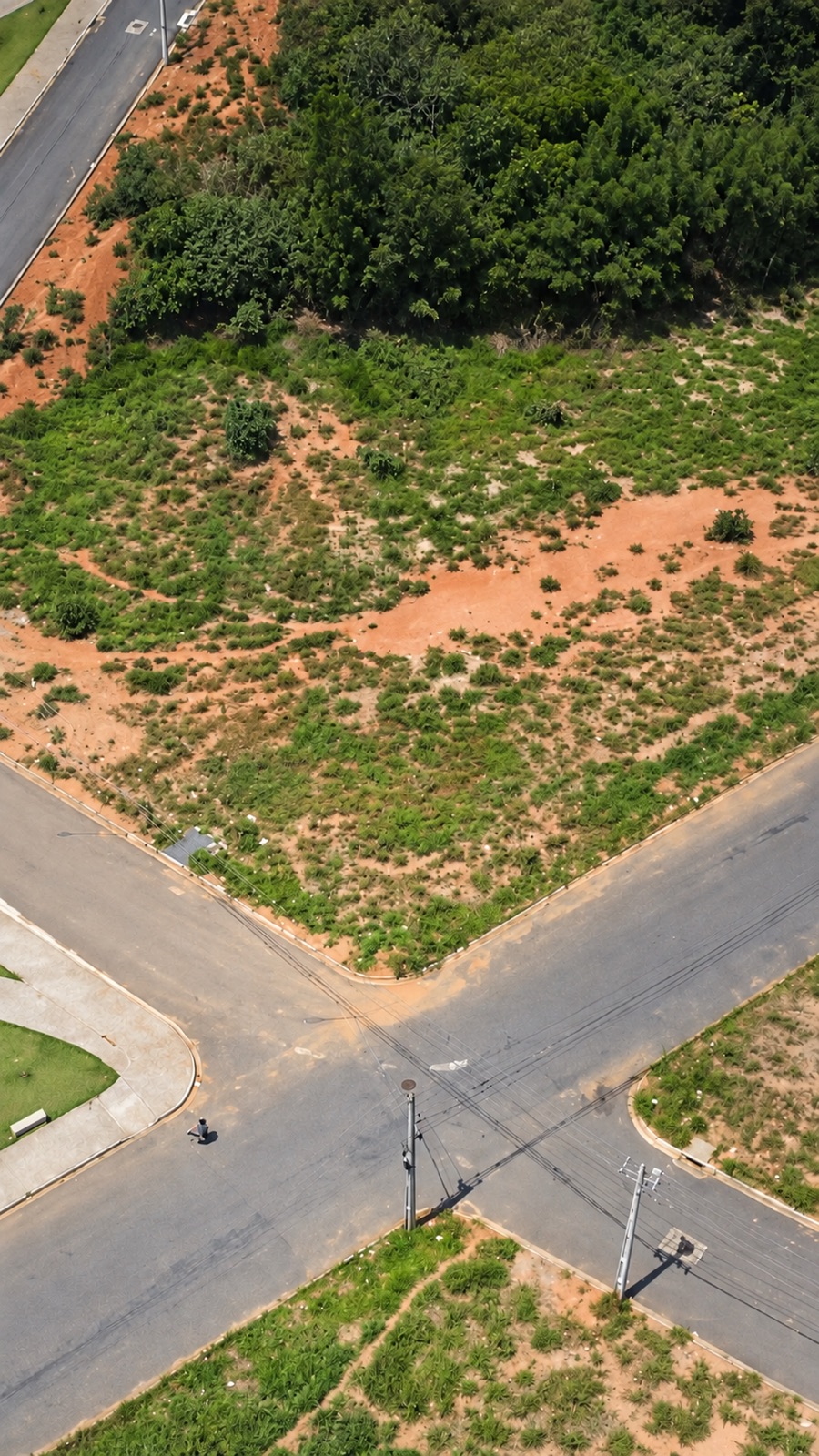
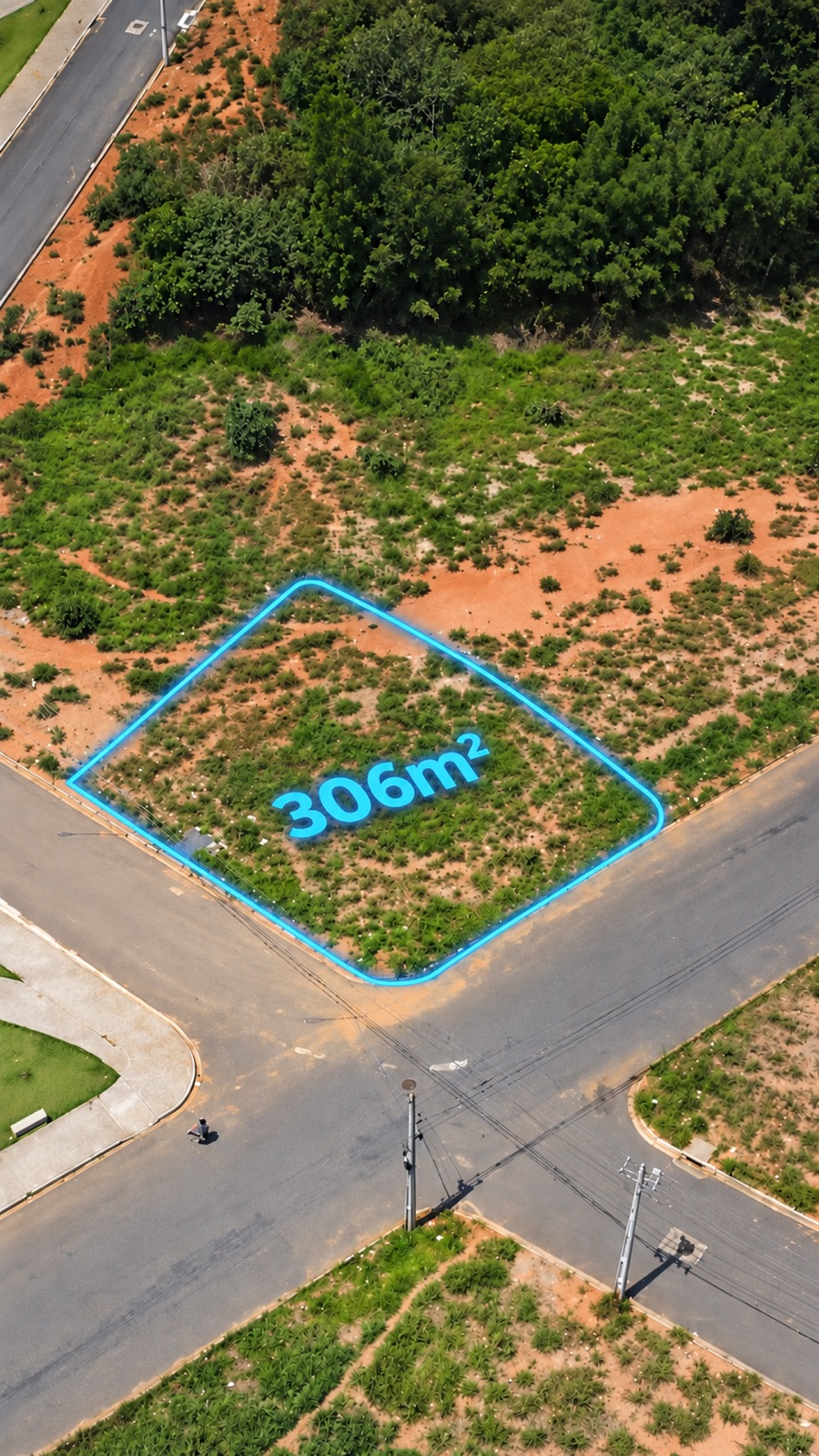
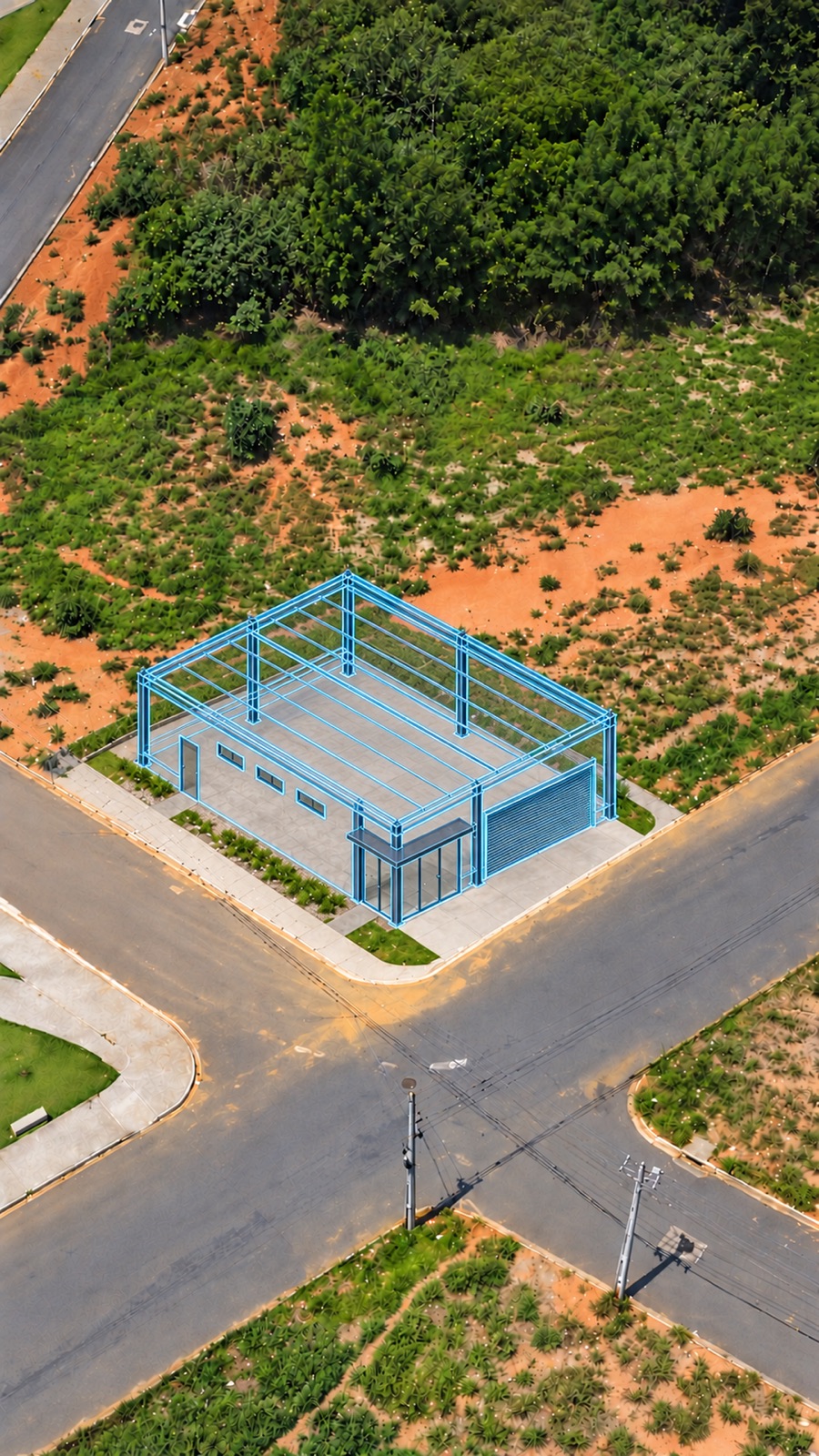
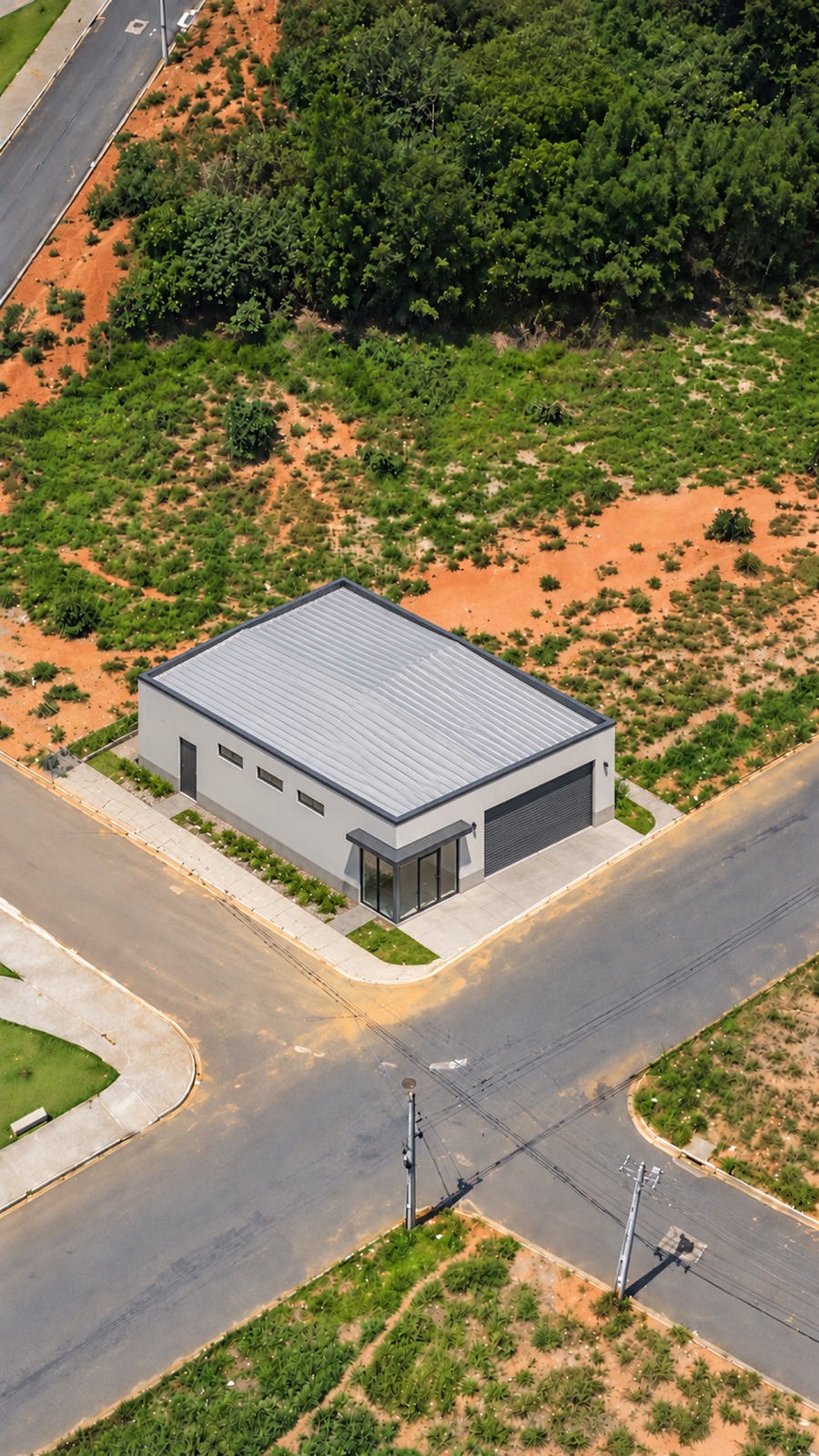
Build the lot
One AI video for a land listing, frame by frame. Drag to build it.
Generated with Google Flow from a real aerial photo, finished in HyperFrames for Morada Imóveis.